Configuring Folder Locations
Specify the disk locations where AccuMap looks for user database files, company layers, and to which it saves files downloaded using your browser when AccuMap launches your browser.
To configure folder locations
- With the File tab displayed in the Ribbon, click Settings.
The dialog box appears.
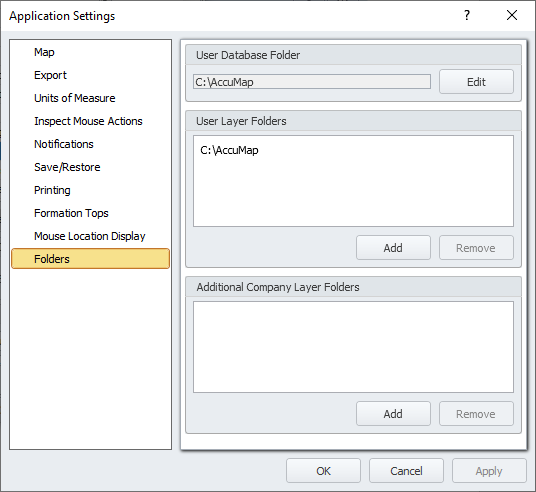
- Click Folders, and then select from the following options:
- User Database Folder - click Edit and navigate to a folder where user database files such as your database of user formations tops are located. This is the database from which AccuMap draws user formations and to which applications such as AccuLogs write changes to user formation tops.
- User Layer Folders - click Add and then navigate to a folder that contains map layers specific to your maps.
- Additional Company Layer Folders - click Add and then navigate to a folder that contains map layers specific to your company.
- Browser Downloads Folder - click Edit and then browse to the location where your browser saves files you download when AccuMap invokes your browser during an AccuMap session.
- Click OK.
 Related Topics